Discord Timezone Converter: The short answer
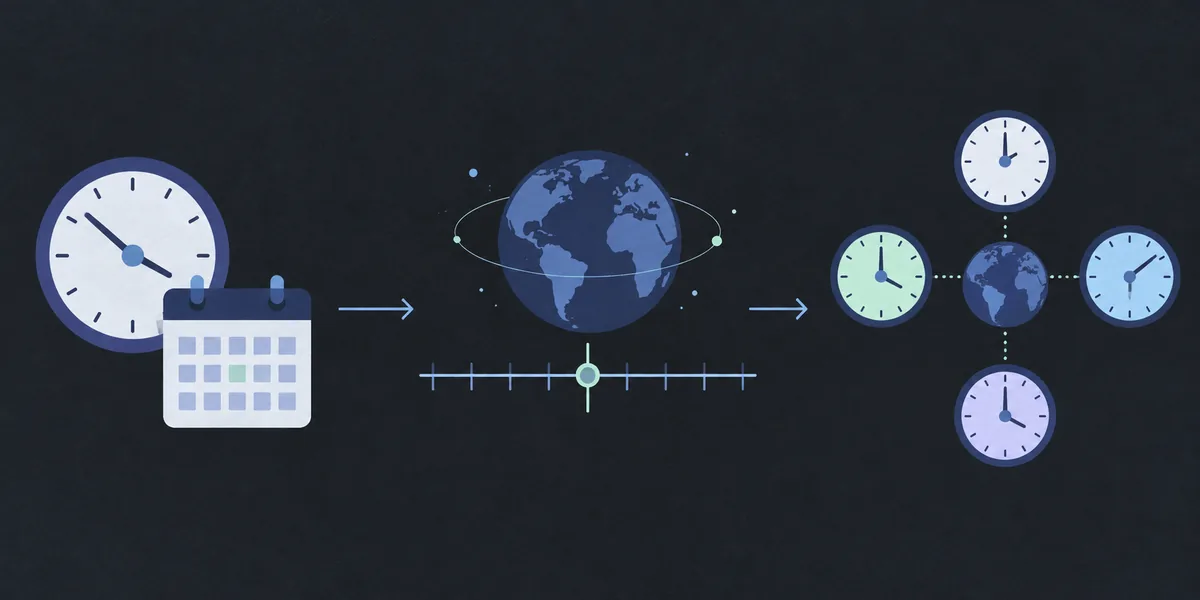
A Discord timezone converter does not need to create a different message for every country. It starts with a complete local date and time, associates that input with a named IANA time zone, and converts it to one Unix-second value. The value can then be wrapped as <t:UNIX_SECONDS:F> or another Discord timestamp style.
Discord uses that shared instant when it renders the message. A member in New York, London, or Tokyo may see different clock labels, and one of them may see the following calendar day, but the event is still the same moment. That viewer-side conversion is the reason a timestamp is safer for an international schedule than a typed abbreviation such as “8 PM EST.”
Use the homepage Discord timestamp generator for the calculation. This guide focuses on source zones, daylight-saving checks, cross-region previews, and wrong-hour troubleshooting.
Choose the source time zone before converting
The source time zone is the region where the event time was announced or scheduled. It is not automatically the zone of the person creating the Discord post. If a host says a livestream starts at 8:00 PM in Los Angeles, use the Los Angeles zone even when you are posting from Singapore. The host's wall-clock statement is the input; the readers' local displays are the output. A complete input also needs the date because a region's offset can change during the year.
1. Identify the location that owns the schedule
Ask whose clock defines the event: the venue, the organizer, a tournament region, or a release team. If the announcement gives a city, map that city to an IANA zone. If it only says “Eastern time” or “Central Europe,” confirm the intended region before creating a code. A country can contain more than one zone, and an abbreviation may be used differently by different communities.
2. Prefer a named IANA zone
IANA names describe a region and its historical offset rules. They give a converter enough context to apply daylight-saving changes for the selected date. Fixed labels such as UTC-5, EST, or CET describe an offset or a convention, but they do not always tell the calculator whether a seasonal clock change is active.
3. Read the local preview back in plain language
Before copying the result, say the input out loud: “September 6, 2026 at 7:00 PM in New York.” Compare the preview with that sentence. If the preview is already wrong in the source zone, changing the Discord suffix will not repair it; revisit the date, clock time, and zone instead.
Compare what viewers in different regions will see
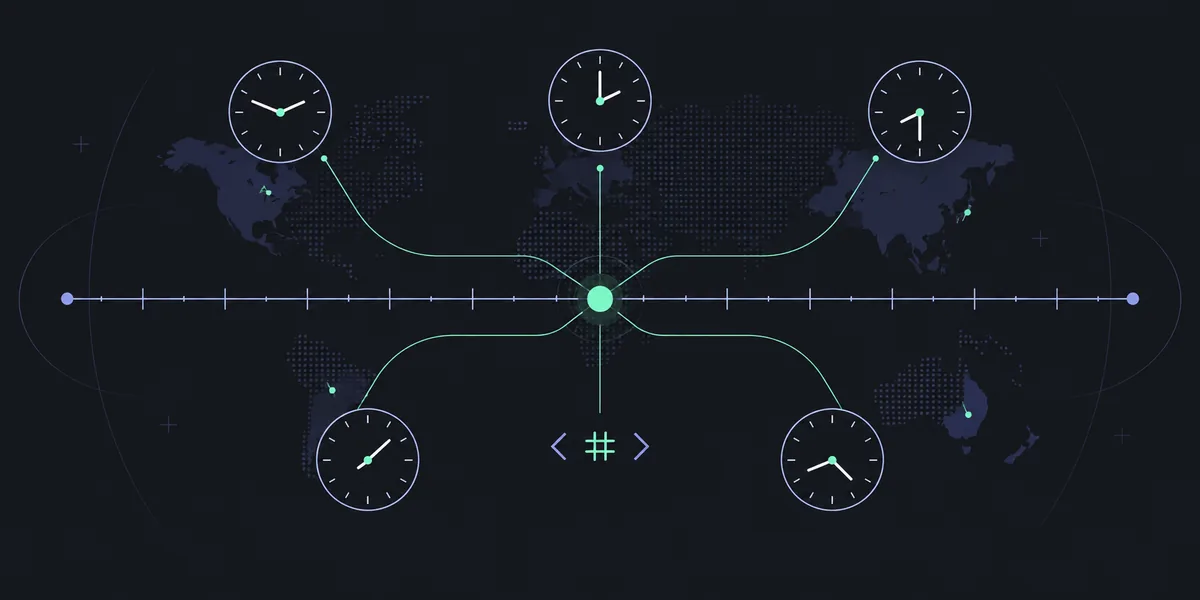
A timestamp is portable because it represents an instant rather than one printed clock label. For example, suppose a community call is scheduled for 19:00 on September 6, 2026 in America/New_York. The generator resolves that local time to Unix seconds. A London member may see midnight, while a Tokyo member may see a morning time on September 7. Those differences are expected; they are the same event on a shared timeline.
Use two or three sample regions when the event has a large audience. Pick the source zone, then preview the result in the source zone and in a distant zone with a different date boundary. This catches mistakes such as entering the creator's time instead of the host's time, selecting the wrong side of a country, or forgetting that “tomorrow” depends on who is reading the message.
Do not edit the Unix number to make one viewer's label look familiar. Change it only when the scheduled instant changes.
Handle daylight-saving changes instead of guessing
Daylight-saving time changes the offset rules for some IANA zones. In a spring transition, the clock can jump forward and a range of local times does not exist. In an autumn transition, the clock can move backward and a range of local times occurs twice. A converter that accepts only a short abbreviation may hide this ambiguity; a zone-aware workflow can warn you and ask which occurrence you mean.
The safest response to a missing local time is to move to the next valid minute or confirm a different scheduled time with the organizer. For a repeated local time, decide whether the event uses the earlier or later occurrence. Do not silently treat a repeated 1:30 AM as one arbitrary instant when attendance depends on the distinction.
A fixed offset can therefore look correct for months and then be wrong by one hour. Keep the date attached to the zone, read the warning, and include the readable date in Discord.
How to convert a time for Discord
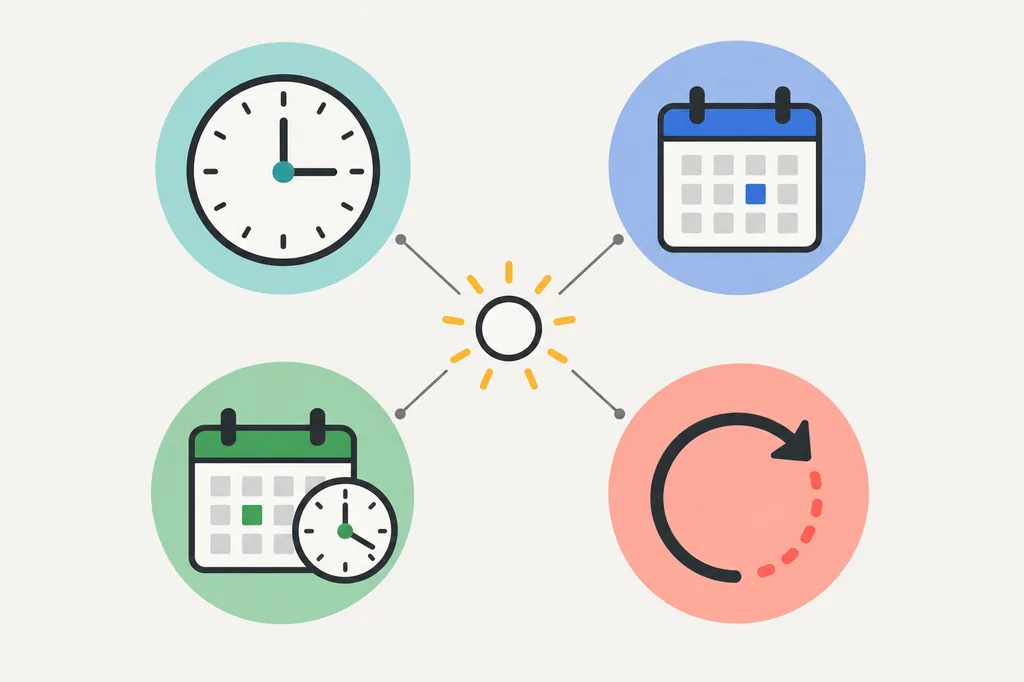
Once the source zone is known, the actual workflow is short. The generator converts the local wall time to Unix seconds and gives you copy-ready Discord syntax. You can choose a compact clock style for a message that already names the date, or a full date-and-time style when the post needs to stand alone.
The code follows <t:UNIX_SECONDS:FORMAT>: the number identifies the instant and the final letter controls presentation. If the event is wrong by an hour, repair the input zone; if it is right but hard to scan, change the suffix.
- Write the complete source date, local time, and IANA zone in one sentence.
- Open the Discord timestamp generator and enter those three values.
- Read the source preview, then compare one viewer in another region when the event is global.
- Choose a format such as
Ffor a self-contained announcement orRfor a relative reminder. - Copy the token without changing its Unix number and paste it into the Discord message.
Troubleshoot a Discord time that looks wrong
When a Discord timestamp appears one hour, several hours, or one day off, inspect the input in a fixed order. Start with the date, then the source zone, then the Unix unit, and only after that review the format suffix. This order separates an instant error from a presentation choice.
Compare the generated Unix number with a trusted preview for the same date and named zone. If the number matches but Discord looks different, check the viewer's client settings and relative style; otherwise recreate the input instead of hand-editing the code.
- Wrong hour: the source zone or seasonal offset is probably wrong.
- Wrong day: the event is near midnight for the viewer; use a full date style and verify the date boundary.
- Huge difference: a millisecond value may have been pasted where Unix seconds are required.
- Relative wording surprises you:
Ris calculated from the reader's current time, not from the author's clock. - Only one member sees an odd value: compare that client's settings before changing the shared token.
Limits, privacy, and what a converter does not do
A Discord timezone converter creates a timestamp; it is not a calendar, alarm, or scheduling bot. The token does not reserve a room, send a reminder, create an RSVP, or guarantee that a member will be online. Use a calendar or a Discord event when you need those actions, and use the timestamp as the readable time inside the announcement.
Timestamp Tools performs the date and zone conversion in your browser. The generator does not need a Discord login, server permission, message history, or an API key. A share link can preserve the date, time, and selected zone so the same input can be reviewed later; it does not need private server details.
The final wording depends on the reader's Discord client and locale. Use the browser preview to check the input, treat the copied <t:...> token as the portable value, and confirm an ambiguous transition with the event owner.
COMMON QUESTIONS
Discord timezone converter questions, answered
What does a Discord timezone converter convert?
It converts a complete local date and time in a named source time zone into one Unix-second instant, which can be written as a Discord timestamp token. Discord then renders that instant for each viewer.
Should I use my own time zone or the event's time zone?
Use the event's source time zone: the region whose local clock defines the schedule. Your own zone is only the right input when you are also the person or venue setting the event time.
Why is a Discord timestamp one hour off?
Check the date and named IANA zone first. A daylight-saving change or a fixed abbreviation can produce a one-hour difference. The format suffix changes appearance, not the underlying instant.
Can Discord timestamps handle daylight-saving time?
A named IANA zone supplies the seasonal rules, but a local clock time can still be skipped or repeated during a transition. Check the generator warning and choose the intended valid occurrence.
Why do viewers see different dates?
The same instant can cross midnight in another region. Use a full date-and-time style such as F when the calendar date matters, and verify a distant viewer sample before publishing.
Does a Discord timezone converter send reminders?
No. It creates timestamp markup and does not schedule notifications or contact members.
REFERENCE
Technical references
- Discord timestamp stylesDiscord's official reference for timestamp markup and display styles.
- IANA Time Zone DatabaseThe named regional time-zone data used by software to apply offset rules.
- Discord timestamp reference toolA public copy-ready example for checking timestamp syntax.